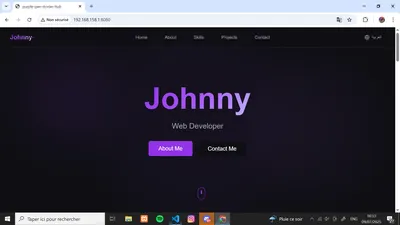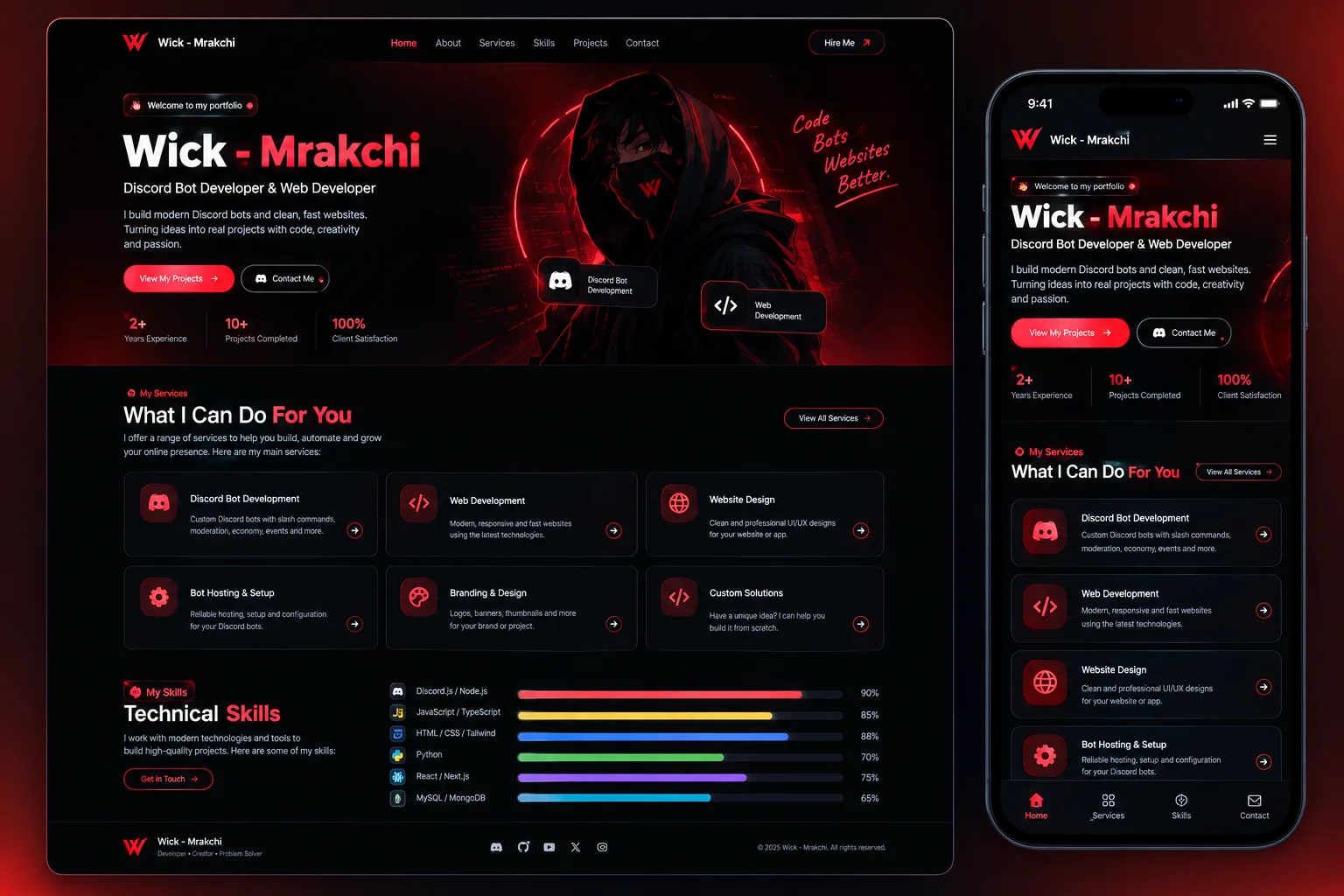
A professional portfolio and services w
Developed entirely by Mrakchi - A professional portfolio and services website showcasing web development and Discord bot programming services.

🌟 Hamza's Developer Portfolio & Services Website
Developed entirely by Mrakchi - A professional portfolio and services website showcasing web development and Discord bot programming services.
🛠️ Technologies Used
Frontend Framework: React 18 with TypeScript
Styling: Tailwind CSS for responsive design
Icons: Lucide React for modern iconography
Build Tool: Vite for fast development and optimized builds
State Management: React Hooks (useState, useEffect)
Theme System: Custom dark/light mode implementation
Integration: Discord Webhook API for real-time notifications
⚙️ Features
🎨 Design & User Experience
Responsive Design: Works flawlessly on all devices (mobile, tablet, desktop)
Simple and Clear Interface: Clean, modern design with intuitive navigation
Dark/Light Mode: Toggle between themes with persistent user preference
Smooth Animations: Subtle hover effects and transitions for enhanced UX
Professional Layout: Apple-inspired design aesthetics with attention to detail
🔧 Functionality
Real-time Discord Integration: Supports sending data directly to Discord webhooks
Contact Form: Direct messaging system with Discord notifications
Service Request System: Modal-based service ordering with payment method selection
Skills Showcase: Interactive skill bars with percentage indicators
Portfolio Sections: About, Services, Skills, and Contact sections
Mobile Navigation: Collapsible menu for mobile devices
📱 Technical Features
TypeScript Support: Full type safety and better development experience
Component Architecture: Modular, reusable React components
Custom Hooks: Reusable logic for dark mode and services data
SEO Optimized: Proper meta tags and semantic HTML structure
Performance Optimized: Lazy loading and optimized bundle size
🚀 Installation and Setup
Prerequisites
Node.js (version 16 or higher)
npm or yarn package manager
Installation Steps
Clone the project from GitHub:
git clone https://github.com/wickmrakchi/mrakchi-web
cd mrakchi-web
Install dependencies:
npm installConfigure Discord Webhooks:
Open
src/components/Contact.tsxReplace
YOUR_DISCORD_WEBHOOK_URL_HEREwith your actual Discord webhook URLOpen
src/components/ServicesCard.tsxReplace
YOUR_DISCORD_WEBHOOK_URL_HEREwith your actual Discord webhook URL
Start the development server:
npm run devBuild for production:
npm run buildPreview production build:
npm run preview
Discord Webhook Setup
Go to your Discord server settings
Navigate to Integrations → Webhooks
Create a new webhook
Copy the webhook URL
Replace the placeholder URLs in the code with your webhook URL
📁 Project Structure
src/
├── components/          # React components
│   ├── About.tsx       # About section component
│   ├── Contact.tsx     # Contact form with Discord integration
│   ├── Footer.tsx      # Footer component
│   ├── Header.tsx      # Navigation header
│   ├── Hero.tsx        # Hero/landing section
│   ├── Layout.tsx      # Main layout wrapper
│   ├── Services.tsx    # Services showcase
│   ├── ServicesCard.tsx # Individual service cards with request modal
│   └── Skills.tsx      # Skills display with progress bars
├── data/               # Static data
│   └── services.ts     # Services data and types
├── hooks/              # Custom React hooks
│   ├── useDarkMode.ts  # Dark mode functionality
│   └── useServices.ts  # Services data management
├── App.tsx             # Main application component
├── main.tsx           # Application entry point
└── index.css          # Global styles and Tailwind imports
🎯 Usage
Contact Form
Users can send messages through the contact form, which automatically forwards the information to your Discord server with the following format:
New message from the contact page:
- Name: [User Name]
- Email: [User Email]
- Message: [User Message]
Service Requests
When users click "Request Service" on any service card, they can fill out a detailed form including:
Full Name
Type of Service
Payment Method (PayPal, Bank Transfer, Cash)
Additional Notes
The request is sent to Discord in this format:
🛠️ New Service Request:
- Name: [User Name]
- Type of Service: [Selected Service]
- Notes: [Additional Notes]
- Payment Method: [Selected Payment Method]Reviews
No reviews yet
Be the first to review this project!