
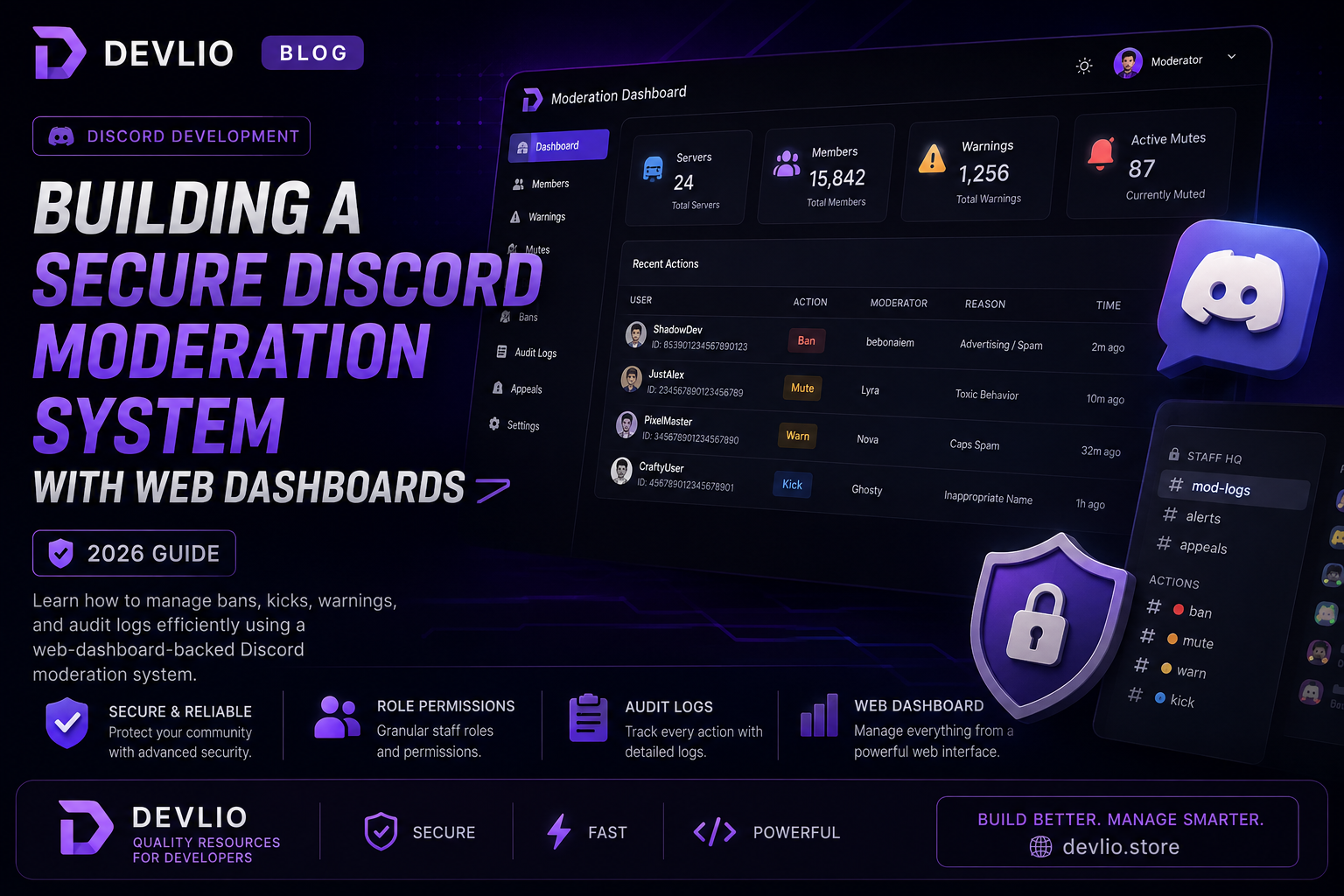
Building a Secure Discord Moderation System with Web Dashboards (2026 Guide)
As online communities expand, manual moderation through basic chat commands (!ban, !mute, !warn) quickly becomes impossible to track. Protecting your members from trolls, raid bots, spam, and malicious links requires a robust, centralized moderation workflow.
Relying entirely on fragmented chat commands lacks visibility. Staff members need a clean, centralized overview of user warning histories, active mutes, ban appeals, and server audit logs in one place. This comprehensive guide explores modern Discord security architecture, role hierarchies, and the benefits of web-dashboard-backed moderation systems.
Why Traditional Chat-Command Bots Fall Short
For small servers with 50 members, typing !kick @user works fine. However, as communities scale past 1,000 active members, traditional bots present critical flaws:
-
Lack of Centralized Audit Trails: When multiple moderators issue punishments, it becomes difficult to track who banned whom and why, leading to internal staff conflicts.
-
Poor Warning History Tracking: Chat bots often store warnings in messy database files that require complex commands to query.
-
No Visual Oversight: Junior moderators lack a visual interface to review user profiles, join dates, and past infractions before taking action.
Core Features of a Modern Moderation Dashboard
A professional-grade moderation system backed by a web panel provides critical infrastructure for community protection:
-
Centralized User Lookup: Search any user ID instantly to view their complete infraction history, warning counts, active mutes, and message logs.
-
Granular Staff Permissions: Control exactly what junior moderators can do (e.g., mute and warn) versus senior administrators (ban and unban).
-
Automated Punishment Escalation: Configure rules that automatically mute repeat spammers or ban users posting known malicious invite links.
[User Infraction Triggered]
           │
           ▼
[Automated Logged in Web Panel] ──► [Check Warning Threshold]
                                          │
                    ┌─────────────────────┴─────────────────────┐
                    ▼                                           ▼
            [Threshold Not Met]                        [Threshold Exceeded]
           (Issue Recorded Warning)                    (Auto-Mute / Temp-Ban)
Role Hierarchy & Staff Permissions Best Practices
To prevent internal abuse and keep your staff organized, implement a strict tiered permission structure:
| Staff Role | Allowed Permissions | Restricted Actions |
|---|---|---|
| Trial Moderator | Mute, Timeout, View Warning Logs | Permanent Bans, Channel Deletion |
| Senior Moderator | Kick, Unban, Manage Tickets | Role Configuration, Bot Settings |
| Administrator | Full Dashboard Access, Role Management | Ownership Transfer |
Comparing Custom Web Dashboards vs. Legacy Bots
| Feature / Capability | Custom Web Dashboard Solution | Legacy Public Bots (Dyno, MEE6) |
|---|---|---|
| Data Privacy & Control | ✅ 100% Owner-controlled database | ❌ Shared third-party servers |
| Custom Branding | ✅ Tailored to your community identity | ❌ Generic public branding |
| Audit Transparency | ✅ Clean, searchable web logs | ⚠️ Limited text channel logging |
| Performance Speed | ✅ Optimized dedicated instances | ⚠️ Prone to public API rate limits |
Step-by-Step Deployment Guide
If you want complete control over your server security and staff workflows, deploying a dedicated system is straightforward:
-
Acquire the System: Get the Discord Moderator System with Dashboard directly from the Devlio marketplace.
-
Configure Bot Credentials: Set up your Discord Developer Application token and client secrets.
-
Link Web Panel: Connect your authentication credentials to the web dashboard interface.
-
Assign Staff Roles: Map your Discord roles to dashboard permission tiers.
-
Test in Sandbox: Run test moderation commands in a private staff channel before launching publicly.
Frequently Asked Questions (FAQ)
Q: Can I host the dashboard on my own VPS?
A: Yes! Modern web-dashboard systems are built to run smoothly on standard Linux Virtual Private Servers using Node.js or Docker containers.
Q: Is it safe to give a bot administrator permissions?
A: The bot only requires standard Discord intents and specific moderation scopes. Always review permission checkboxes during the OAuth2 invite process.
Ready to secure your community with a professional dashboard? Explore powerful community management assets on the Devlio Marketplace.
Discussion & Comments (0)
Leave a Comment
No comments yet. Be the first to share your thoughts!