
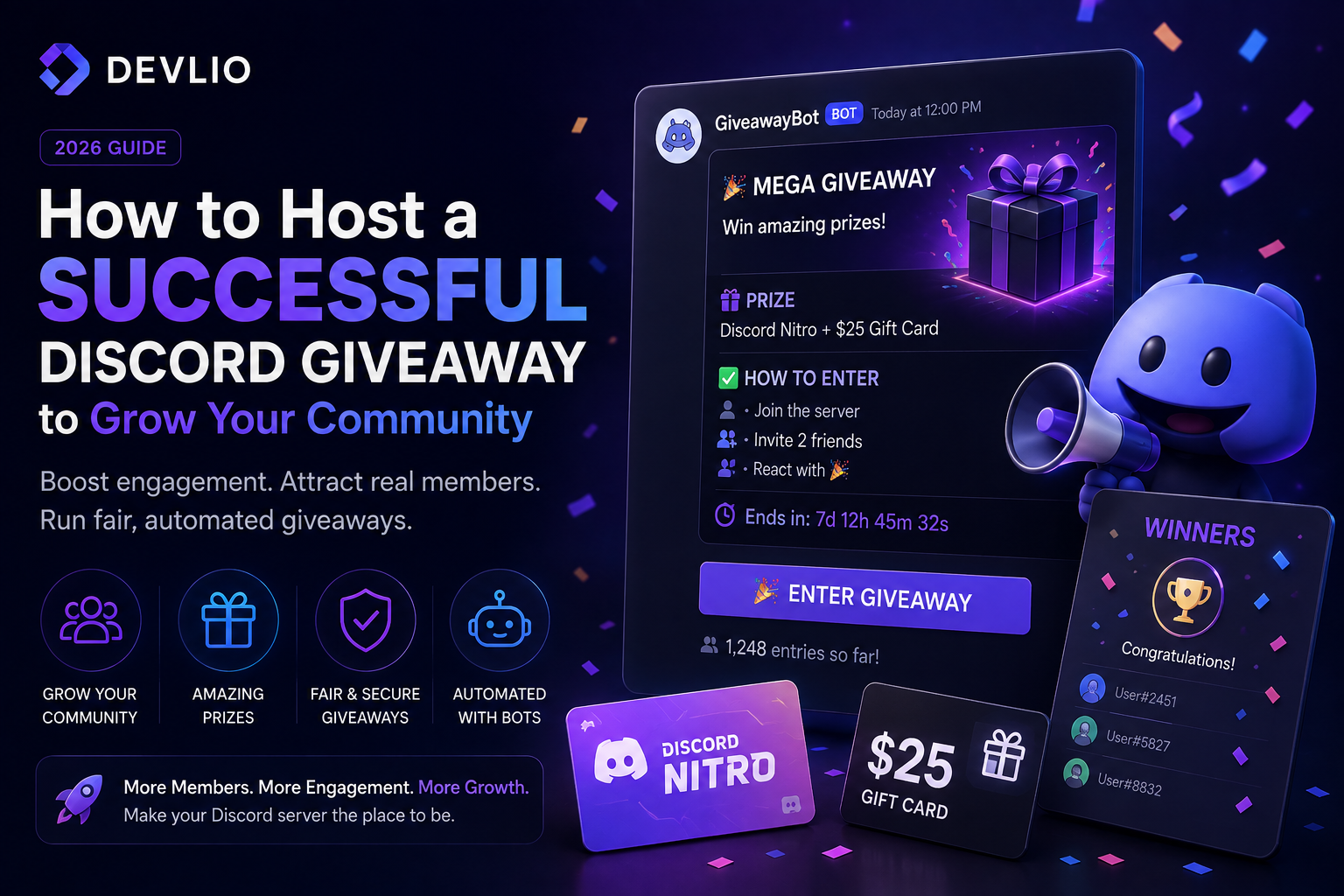
How to Host a Successful Discord Giveaway to Grow Your Community (2026 Guide)
If you want to skyrocket your Discord server's engagement, retain active members, and attract new users, hosting regular giveaways is one of the most powerful strategies available. However, managing entries, setting strict requirements, and picking winners manually can quickly become an administrative nightmare for staff teams.
A poorly managed giveaway often leads to "join-and-leave" user churn—where people join just for the prize and leave immediately after. To turn giveaways into real community growth engines, you need a structured, strategic approach. This comprehensive guide walks you through the psychology, setup frameworks, anti-abuse tactics, and automation tools required to run successful giveaways in 2026.
Why Giveaways Drive Real Community Growth
Human psychology responds intensely to rewards and gamification. When community members see active events distributing real value, several critical growth metrics improve:
-
Surging Chat Activity: Members talk more, check notifications frequently, and stay active in voice channels while waiting for the results.
-
Organic Invites: Configuring entry rules that require inviting friends turns your existing members into active marketing promoters.
-
Brand Loyalty: Consistently rewarding your community builds a deep emotional connection to your server, store, or marketplace.
[Launch Giveaway] ──► [Spike in Active Chatters] ──► [Invite Requirement Triggered]
                                                              │
                                                              ▼
[Long-term Retention] ◄── [Public Winner Transparency] ◄── [Viral Member Growth]
Choosing the Right Prize for Your Target Niche
The success of a giveaway depends entirely on selecting a prize that matches your audience's exact interests. Generic prizes attract bots and unengaged users; niche-specific prizes attract high-value community members.
| Community Type | High-Converting Prize Ideas | Avoid These Prizes |
|---|---|---|
| Minecraft Servers | In-game ranks, custom cosmetic keys, store gift cards | Generic Steam keys, random game codes |
| Developer / SaaS | Tool licenses, hosting credits, dashboard templates | Low-quality assets, unrelated software |
| General / Gaming | Discord Nitro, popular AAA game keys, gift cards | Unverified cash apps, shady gift links |
Step-by-Step Giveaway Execution Framework
To maximize the Return on Investment (ROI) of your giveaway event, follow this proven four-step framework:
1. Define Clear, Strategic Entry Requirements
Never let users enter with a simple single click if you want real growth. Implement balanced requirements:
-
Server Presence: Must remain a member for the duration of the event.
-
Invite Tracking: Must invite at least 2 verified friends using a custom tracking link.
-
Role Verification: Must possess a specific role (e.g., Level 5+ in chat activity) to filter out inactive alts.
2. Writing a High-Converting Announcement Message
Your announcement embed needs to catch attention instantly. Structure your text clearly:
-
The Hook: State the exact prize value in the first line.
-
The Rules: Bullet points outlining requirements clearly.
-
The Timer: Display the exact end date and time in UTC.
3. Automate Winner Selection
Manual reactions and random number generators lead to accusations of favoritism and staff bias. Deploying an automated solution ensures absolute fairness.
You can instantly set up professional, reaction-based events using the Giveaway Discord Bot available on the Devlio marketplace, which handles timer countdowns, requirement checks, and automated winner selection seamlessly.
Reference: Essential Bot Commands
If you are using an advanced management bot, here are the standard administrative commands used to control events:
| Command | Description & Usage |
|---|---|
/giveaway start |
Initiates a new giveaway wizard (sets prize, duration, and winners). |
/giveaway end |
Terminates an active giveaway early and selects current valid winners. |
/giveaway reroll |
Automatically redraws a new winner if the original winner fails to claim the prize. |
/giveaway list |
Displays all currently running and pending giveaways in the server. |
Preventing Scams, Alt Accounts, and Fake Entries
As your server gains popularity, bad actors will attempt to exploit giveaways using automated alt accounts or bots. Protect your community integrity with these security measures:
-
Account Age Verification: Configure your verification bots so accounts must be at least 30 to 60 days old to participate.
-
Captcha Walls: Require users to solve a quick captcha before unlocking the giveaway announcement channel.
-
Public Winner Audits: Always announce winners publicly in a dedicated channel and require them to open a ticket within 24 hours to claim their reward.
Measuring Giveaway Success (Key Performance Indicators)
After a giveaway concludes, don't just move on—analyze your data to refine your next event:
-
Growth Spike: How many net new members joined during the 48 hours of the event?
-
Retention Rate: Check your server analytics one week later. Did retention hold, or did members drop off immediately?
-
Engagement Index: Did chat message volume increase during the active giveaway period?
Ready to transform your server engagement? Explore powerful community automation tools on the Devlio Marketplace.
Discussion & Comments (0)
Leave a Comment
No comments yet. Be the first to share your thoughts!