
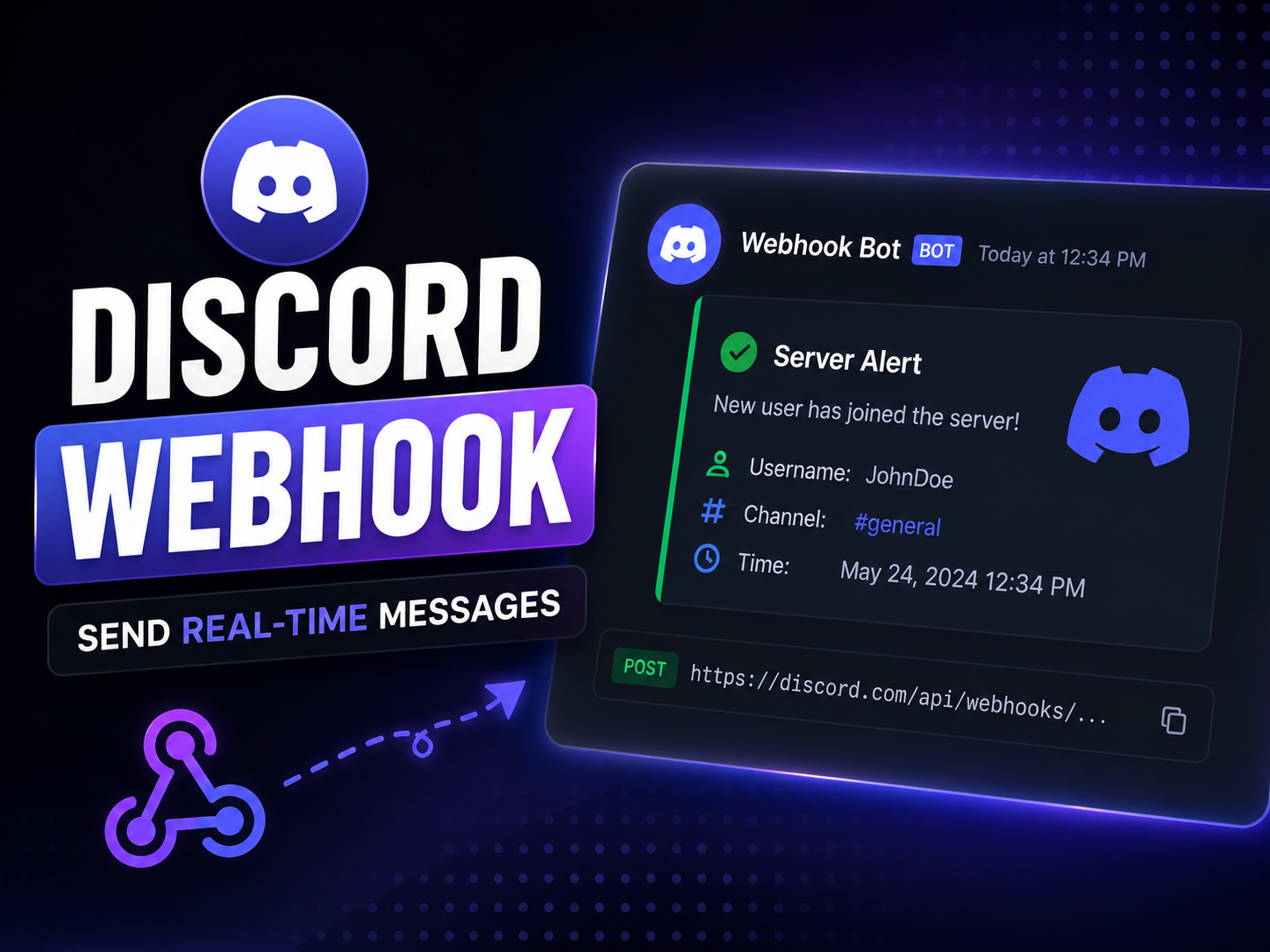
Discord Webhook Tutorial: Send Beautiful Embeds & Automate Alerts (2026 Guide)
Discord webhooks are one of the most powerful yet underutilized features for server owners, developers, and digital merchants. They allow external applications—such as GitHub repositories, billing panels, YouTube feeds, or custom websites—to push automated messages, server updates, and rich notifications directly into a specific text channel without needing to code, host, or maintain a full-blown Discord bot.
However, crafting advanced messages requires understanding payload structures, JSON formatting, and rate limits. This comprehensive technical guide walks you through webhook architecture, JSON embed payloads, automation workflows, and best practices in 2026.
What is a Discord Webhook Under the Hood?
At its core, a webhook is a lightweight HTTP POST request sent to a unique URL provided by Discord. When an external event occurs (e.g., a new sale on your store or a GitHub commit), your application packages the data into a JSON payload and transmits it to the webhook URL.
[External App / Storefront] ──► (HTTP POST JSON Payload) ──► [Discord Webhook URL] ──► [Instant Channel Delivery]
The primary advantage over traditional bots is zero overhead. You don't need persistent gateway connections, bot hosting, or complex event listeners just to broadcast updates.
Step 1: Creating a Webhook URL in Discord
Setting up the pipeline on Discord's side is completely free and takes less than a minute:
-
Open your Discord server and navigate to the channel where you want automated messages to appear.
-
Click the Edit Channel (gear icon) next to the channel name.
-
Select Integrations from the left-hand menu.
-
Click on Webhooks and then click New Webhook.
-
Give your webhook a professional name (e.g., "Store Alerts" or "GitHub Feed") and upload an avatar.
-
Click Copy Webhook URL. (Keep this URL strictly confidential; anyone with access to it can post messages to your channel.)
Step 2: The Complexity of Raw JSON Embeds
While creating a webhook is simple, sending beautifully formatted messages (known as Embeds) is where things get challenging for developers and administrators.
Discord requires data to be structured in a strict JSON format. A single missing bracket, unmatched quotation mark, or invalid color hex code will result in a 400 Bad Request error, causing your notification to fail silently.
Here is an example of a production-ready JSON payload for a rich store notification embed:
{
  "username": "Devlio Notifications",
  "avatar_url": "[https://devlio.store/assets/logo.png](https://devlio.store/assets/logo.png)",
  "embeds": [
    {
      "title": "🎉 New Store Purchase!",
      "description": "A customer just purchased a license for **Slime Login Plugin**.",
      "color": 3066993,
      "fields": [
        {
          "name": "Customer",
          "value": "Verified Buyer",
          "inline": true
        },
        {
          "name": "Price",
          "value": "$14.99 USD",
          "inline": true
        }
      ],
      "footer": {
        "text": "Powered by Devlio Automated Systems"
      },
      "timestamp": "2026-08-29T10:00:00Z"
    }
  ]
}
Step 3: Visual Management vs. Manual Coding
Writing and testing raw JSON payloads manually is tedious, especially when tweaking colors, images, and field layouts.
If you want a complete, streamlined solution to design, test, and dispatch rich embeds without dealing with messy code, check out the Discord Webhook Website tool available on the Devlio marketplace.
With a dedicated visual webhook manager, you can:
-
Visually design embeds with live previews, custom colors, and multiple fields.
-
Save reusable templates for server rules, announcements, and patch notes.
-
Send messages instantly with a single click.
-
Eliminate JSON syntax errors completely.
Comparing Webhook Delivery Methods
| Approach / Method | Ease of Use | Customization | Maintenance Overhead |
|---|---|---|---|
| Manual HTTP POST (cURL / Python) | ❌ Difficult | ✅ Infinite | ⚠️ High (Script debugging) |
| Traditional Discord Bot | ⚠️ Moderate | ✅ High | ❌ High (Requires hosting VPS) |
| Visual Webhook Manager | ✅ Extremely Easy | ✅ High | ✅ Zero Maintenance |
Best Practices and Rate Limiting
To ensure your webhooks run smoothly without hitting Discord API restrictions, keep these rules in mind:
-
Respect Rate Limits: Discord enforces a strict limit of 5 requests per 2 seconds per webhook. Flooding the webhook will trigger temporary IP rate limits (
429 Too Many Requests). -
Secure Your URLs: Never publish your Webhook URLs in public GitHub repositories, client-side JavaScript code, or open Discord channels. If leaked, bad actors can spam your channel with malicious content.
-
Use Descriptive Names: Give different webhooks unique names and avatars so your community instantly recognizes official announcements versus automated logs.
Frequently Asked Questions (FAQ)
Q: Can webhooks reply to user messages?
A: No. Webhooks are strictly one-way publishing pipelines designed to send messages, not process incoming chat interactions or command triggers.
Q: Can I delete or edit a message sent via webhook?
A: Yes, provided you store the unique message ID returned in the initial HTTP POST response headers, you can edit or delete it via API calls.
Ready to level up your Discord server automation? Explore professional community tools and management assets on the Devlio Marketplace.
Discussion & Comments (0)
Leave a Comment
No comments yet. Be the first to share your thoughts!